
Windows 7 Annoyances
Tips, Secrets, and Solutions
David Karp’s Windows 7 guide covers troubleshooting, customization, security, networking, and hardware performance.
- Themes
- Windows troubleshooting, PC customization and performance, Computer security and networking
Windows 7 Fixes
Come here for
- Windows Explorer, Search, and Registry customization
- Fixes for crashes, drivers, networking, and startup problems
Expect
- Solutions for video playback and hardware troubles
- Tips for permissions, encryption, wireless, and Bluetooth
Where it sits
How strongly BookFrontier reads the book as belonging to each subject.
Nearest books
Matched by our semantic model. Ordered by what its readers also loved. Most of these share its genre: Windows Desktop.
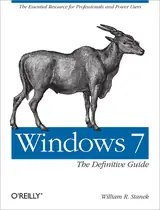 Windows 7: The Definitive GuideWilliam Stanek73% subject matchAlso shares Computer Resources and Windows Administration
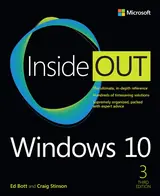 Windows 10 Inside OutEd Bott, Craig Stinson66% subject matchAlso shares Computer Resources and Windows Administration
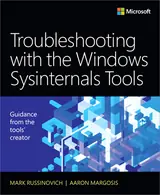 Troubleshooting with the Windows Sysinternals ToolsMark E. Russinovich, Aaron Margosis65% subject matchAlso shares Windows Administration
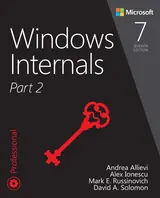 Windows Internals, Part 2Mark E. Russinovich, Andrea Allievi65% subject matchAlso shares Windows Administration
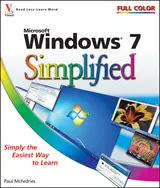 Windows 7 SimplifiedPaul McFedries64% subject match
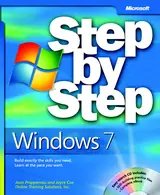 Windows 7 Step by StepJoan Lambert, Joyce Cox63% subject match
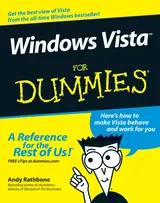 Windows Vista For DummiesAndy Rathbone63% subject matchAlso shares Computer Resources
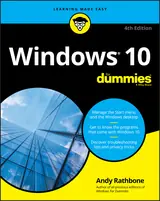 Windows 10 For DummiesAndy Rathbone62% subject matchAlso shares Computer Resources
Start with three books, and this one can be the first.
Members get a new edition every morning: a route out from their books to essays, research and talks, with the reason for each.
Sign upAbout this book
Windows 7 may be faster and more stable than Vista, but it's a far cry from problem-free. David A. Karp comes to the rescue with the latest in his popular Windows Annoyances series. This thorough guide gives you the tools you need to fix the troublesome parts of this operating system, plus the solutions, hacks, and timesaving tips to make the most of your PC.
Continue reading
- Streamline Windows Explorer, improve the Search tool, eliminate the Green Ribbon of Death, and tame User Account Control prompts
- Explore powerful Registry tips and tools, and use them to customize every aspect of Windows and solve its shortcomings
- Squeeze more performance from your hardware with solutions for your hard disk, laptop battery, CPU, printers, and more
- Stop crashes, deal with stubborn hardware and drivers, fix video playback issues, and troubleshoot Windows when it won't start
- Protect your stuff with permissions, encryption, and shadow copies
- Secure and speed up your wireless network, fix networking woes, make Bluetooth functional, and improve your Web experience
- Get nearly all of the goodies in 7 Ultimate, no matter which edition you have
"Blunt, honest, and awesome."
--Aaron Junod, Manager, Integration Systems at Evolution Benefits
"This could be the best [money] you've ever spent."
--Jon Jacobi, PC World
"To use Windows is to be annoyed -- and this book is the best way to solve any annoyance you come across. It's the most comprehensive and entertaining guide you can get for turning Windows into an operating system that's a pleasure to use."
--Preston Gralla, author of Windows Vista in a Nutshell, and Computerworld contributing editor
Publisher details
Publisher categories
- Computer Buying Guides
- Windows Server
- Sysadmin
- Authors
- David Karp
- Publisher
- O'Reilly Media
- Published
- June 8, 2010
- Format
- Print & ebook
- Reading lane
- Computer Buying Guides